Free 30-day trial
The full Task-Lite plan — same features, same quotas — for 30 days. No card, no auto-renewal, nothing to cancel, and nothing is ever charged.
Send the request
The button below opens your own mail app with the subject and body already filled in. Check the product line and add your name and time zone, then press send yourself — we don't collect addresses through a form.
We open the account
As soon as we can — usually within 1–2 business days. The address you write from becomes your sign-in name, and the initial password arrives in a second email (check your spam folder if it doesn't appear). You'll be asked to change it on first sign-in. After signing in, set your time zone in Settings — reminders are scheduled on that zone's calendar.
Use it for 30 days
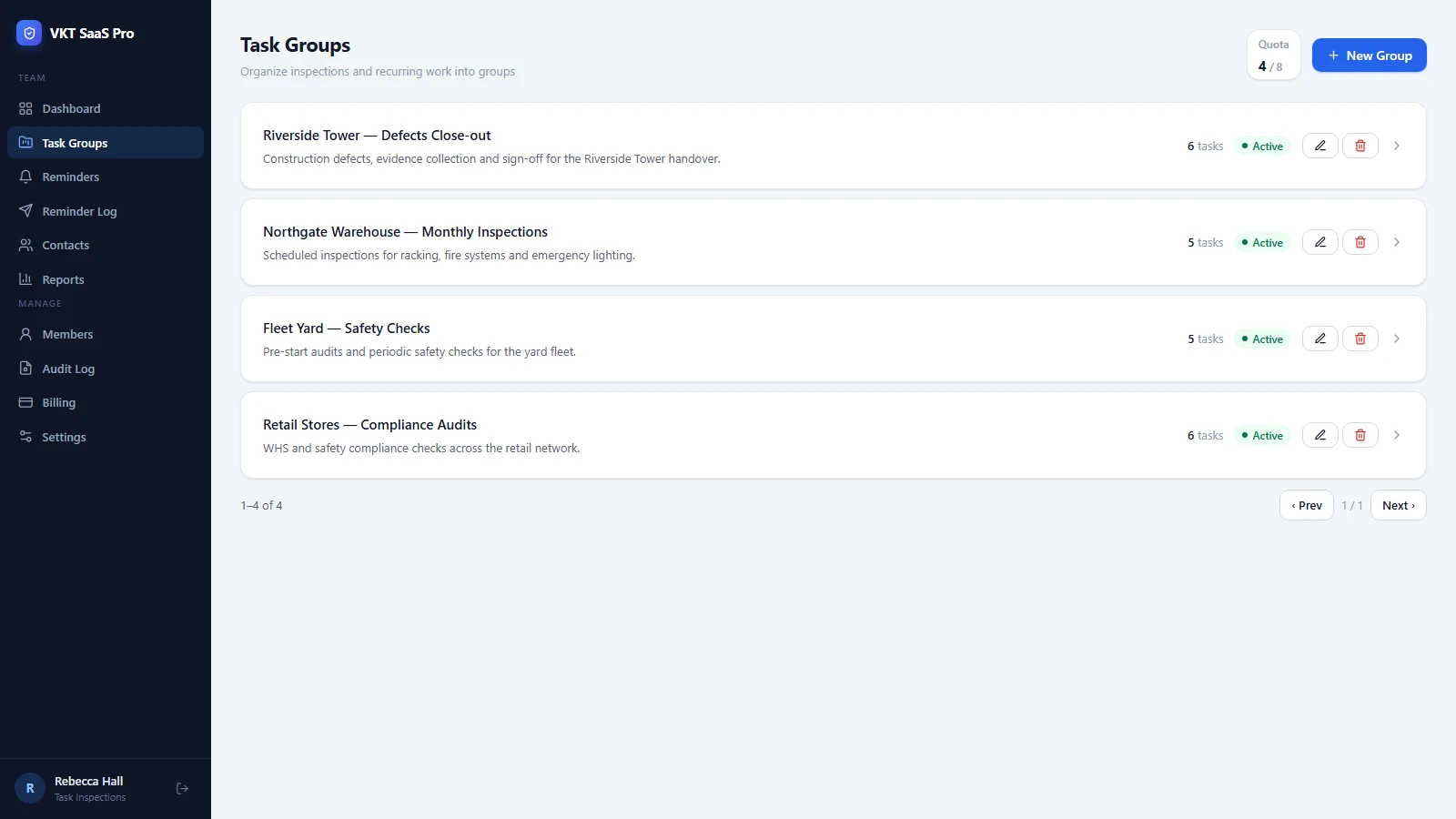
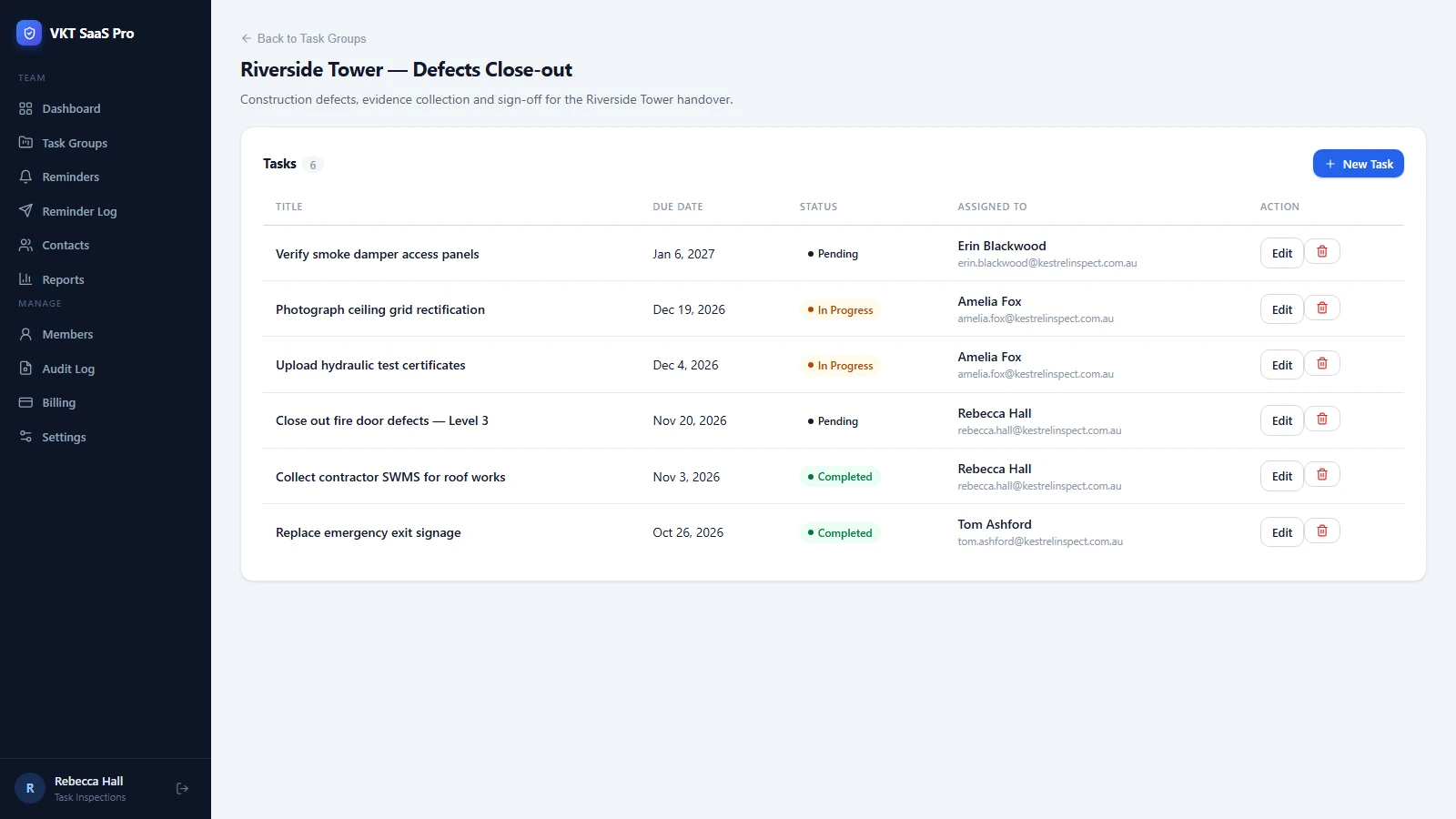
Everything the paid plan does: 70 tasks, 8 project groups, status tracking, deadline reminders to admins and team leads, and CSV export.
Decide afterwards
To continue, sign in and press Subscribe now on the Billing page — from the same email address. Your trial data stays exactly as it is and the paid cycle starts on the payment date.
The request email
One email is enough. Send it with the button, or copy the text below into any mail app.
Open the request in my mail app
To:      support@remind.annmax1983.com
Subject: [Trial] Task-Pulse - 30-day free trial

Hello VKT team,

I would like a 30-day free trial of Task-Pulse.

Product line: Task-Pulse (task-pulse)
Your name:
Country / time zone:

Please open the trial account for this email address.

Thank you.
- Write from the address you want to sign in with. It becomes your login name, and it is the address the trial converts on. Paying from a different address creates a second, separate account.
- One account, one product line. The three lines are mutually exclusive and you cannot switch during the trial. Want to evaluate another line? Say so in the same email — we'll close this trial and open the new one.
- One trial per email address for each product line.
- When the 30 days are up, signing in only gets you to the Billing page. Every other page is locked and there is no read-only mode, but no card is involved and nothing is ever charged — the trial simply ends. Your data is kept for at least 90 days after the trial ends and may then be deleted. Subscribe from the Billing page before that date and everything carries over; if you need help, write to us.
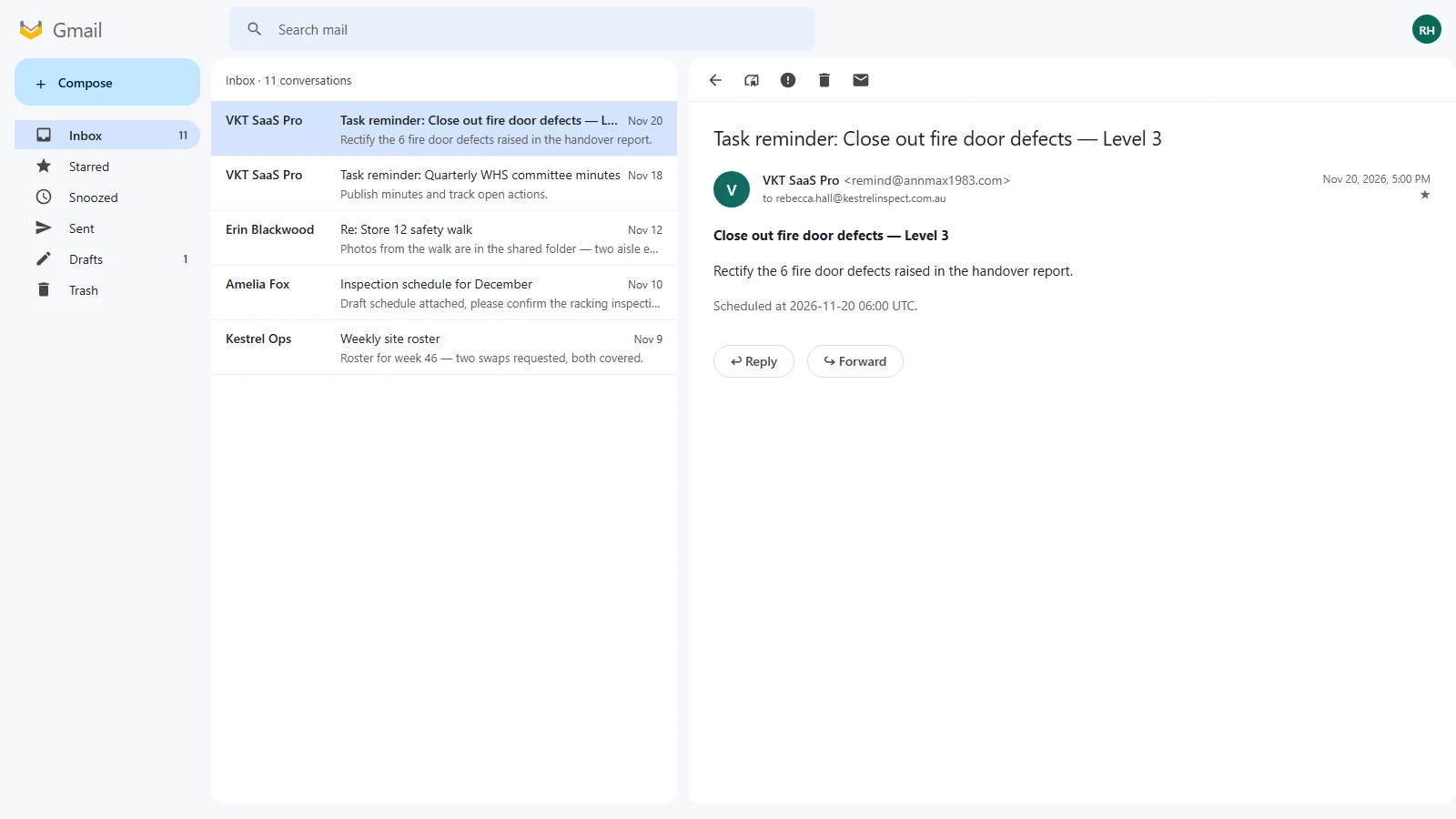
- No expiry reminder emails. The trial end date is written in your welcome email and shown on the in-app Billing page.
- Converting keeps everything. Subscribing from the Billing page upgrades this same account: project groups, tasks, contacts, attachments and reminder history all stay, and the paid cycle runs from the payment date.
- Do not send the request twice. One email is enough — every request is answered. If you have not heard back after two business days, reply to your own message rather than starting a new one.